

Compose the process once — every case follows it
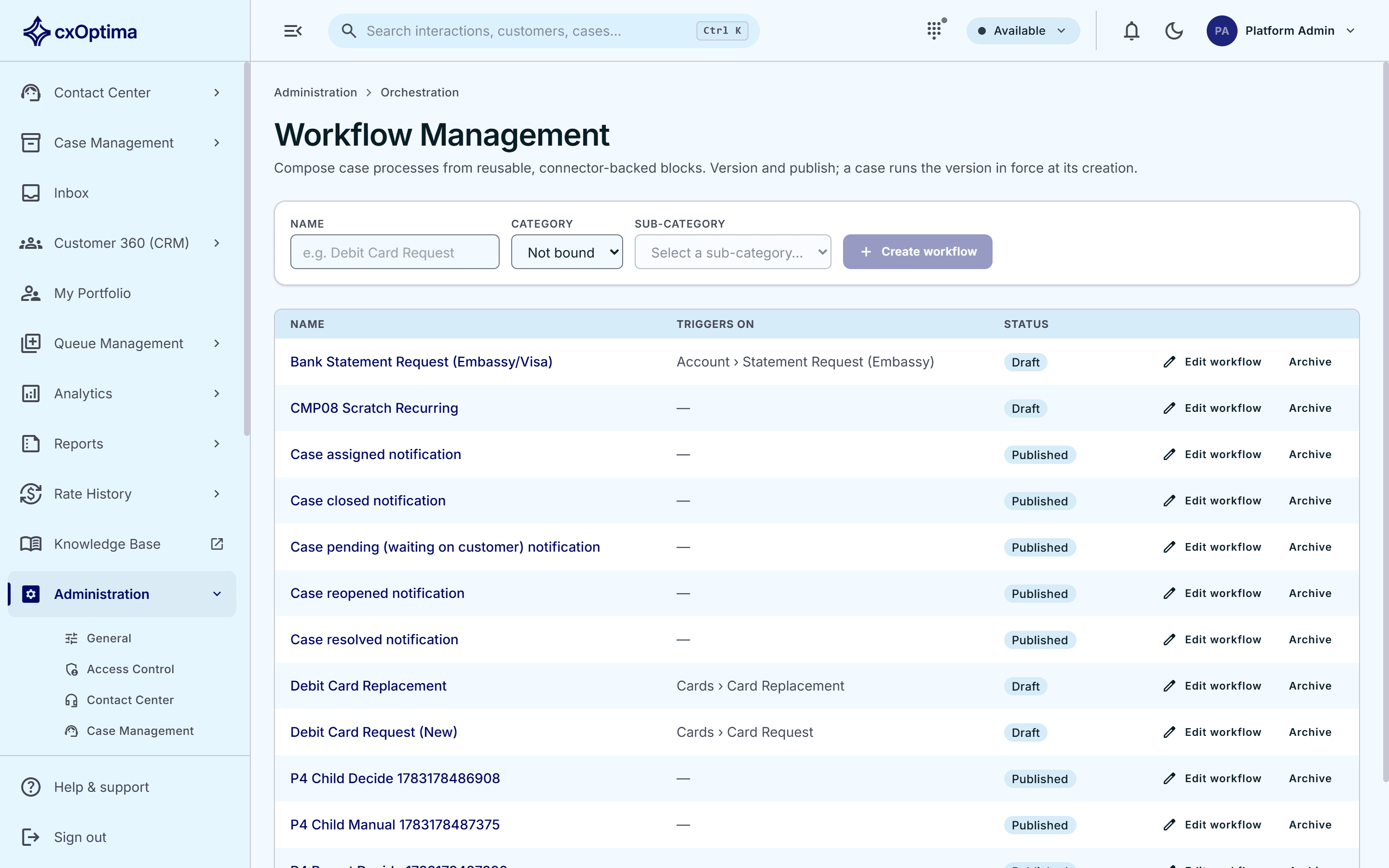
A block-based designer for the multi-step journeys behind your cases and customer applications: approvals, tasks, data capture, notifications and calls to your own systems, versioned and published.
Capabilities
What Case Workflow gives you
Block-based designer
Build a process from reusable blocks — decisions, tasks, approvals, notifications and connectors — without writing code.
Customer-fillable steps
A step can ask the customer for data through the portal, then carry the answers into the rest of the process.
Approvals & decisions
Route a step to the right approver and branch the journey on the outcome.
Triggered by what happens
Workflows start from a case category, an application, an event elsewhere in the platform or an external call.
Versioned & published
Publish a version and every case created from then on runs the version in force at its creation — changes never rewrite work in flight.
Governed connectors
Call your own systems from a step through a registry of connectors your administrators control.
How it works
From first touch to resolved
- 1
Design
Compose the journey on the canvas from blocks and bind it to a case category.
- 2
Publish
Version and publish it; matching cases pick it up from that point on.
- 3
Run
Each case walks its steps — approvals, tasks, customer data capture and system calls.
- 4
Observe
Progress is visible on the case, and every step is on the audit trail.
Included
Everything in the module
- Block-based visual designer
- Reusable, connector-backed blocks
- Decision, task, approval and notification blocks
- Customer- and staff-facing data-capture steps
- Bound to case categories and sub-categories
- Multiple trigger sources, including external calls
- Versioning with publish and archive
- Cases run the version in force at creation
- Governed connector registry
- Full step-level audit trail
See Case Workflow on your data
A 30-minute tailored walkthrough with our team — no commitment.