

Every request tracked to resolution
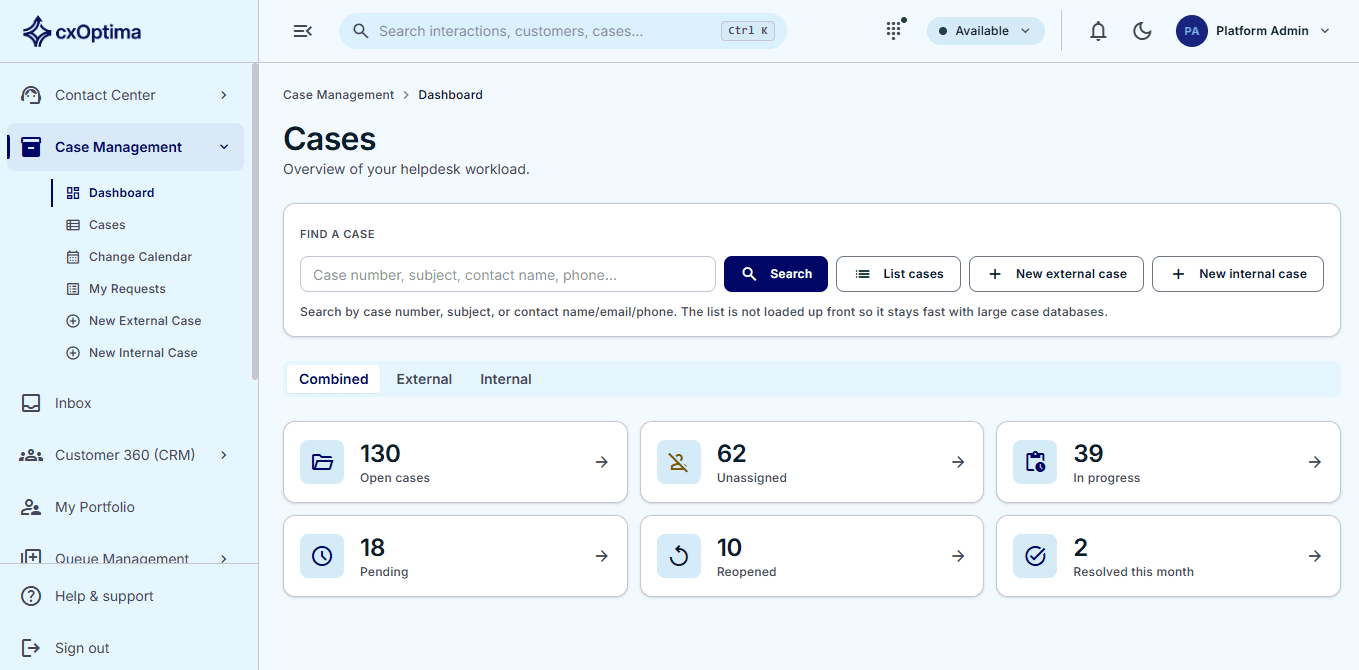
An enterprise helpdesk at the centre of the platform — cases raised from any channel, moved through a state machine you configure, routed to teams, approved where policy requires it, and recorded in a full audit trail.
Capabilities
What Cases & Helpdesk gives you
Configurable state machine
Cases move through the states your institution actually uses, with the transitions, reasons and required fields you define.
Raised from anywhere
A chat, a call, a branch visit, a portal form or an agent — every source lands as one kind of tracked case.
Teams & routing
Route by category and sub-category to the right team, with assignment, collaboration and escalation built in.
Approvals
Steps that need a decision wait for the right approver, with the decision recorded on the case.
Internal service management
The same spine serves employees — internal requesters, an internal service catalogue and department-scoped visibility.
Asset registry
A lightweight registry of the things cases are about — link the laptop, phone or vehicle to the case for context.
How it works
From first touch to resolved
- 1
Capture
A request arrives from any channel — or an employee raises one internally — and becomes a case.
- 2
Route
Category and team rules place it with the right people, under the right service-level policy.
- 3
Resolve
Collaboration, approvals and workflow drive it forward while the clock is measured.
- 4
Account for it
Every state change, note and decision is on the audit trail, and the customer is asked to rate the outcome.
In action
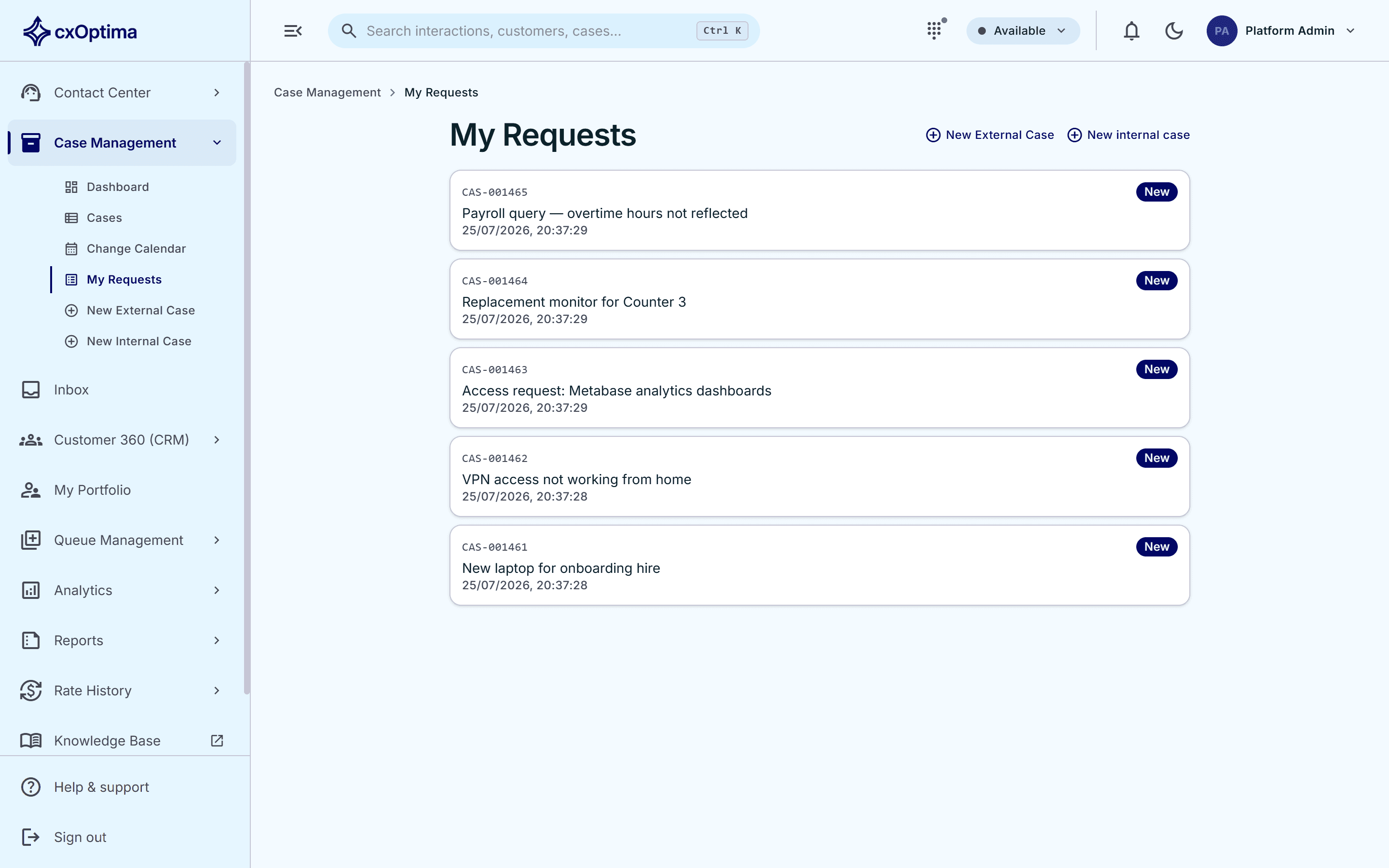
The same helpdesk serves your own people
Employees raise internal requests from a service catalogue and follow them in one place, on the same case spine, with department-scoped visibility keeping each team’s work to itself.
- Configurable case lifecycle state machine
- Case event log and full audit trail
- External customer cases and internal employee requests
- Internal service catalogue with department-scoped visibility
Included
Everything in the module
- Configurable case lifecycle state machine
- Case event log and full audit trail
- External customer cases and internal employee requests
- Internal service catalogue with department-scoped visibility
- Category and sub-category taxonomy
- Team routing, assignment and collaboration
- Approvals and approval policies
- Change calendar for planned work
- Asset registry linked to cases
- Attachments and private notes
- Portal applications tracked as cases
- Service-level clocks on every case
See Cases & Helpdesk on your data
A 30-minute tailored walkthrough with our team — no commitment.